


Know every IT contract you're paying for — and when it renews.
Kallarity puts upcoming renewals, total spend, and duplicative tools in one live view. No spreadsheets. No “can you send me that list again?”
By submitting your email address, you agree to Opkalla's Privacy Policy and to receiving other communications from Opkalla.

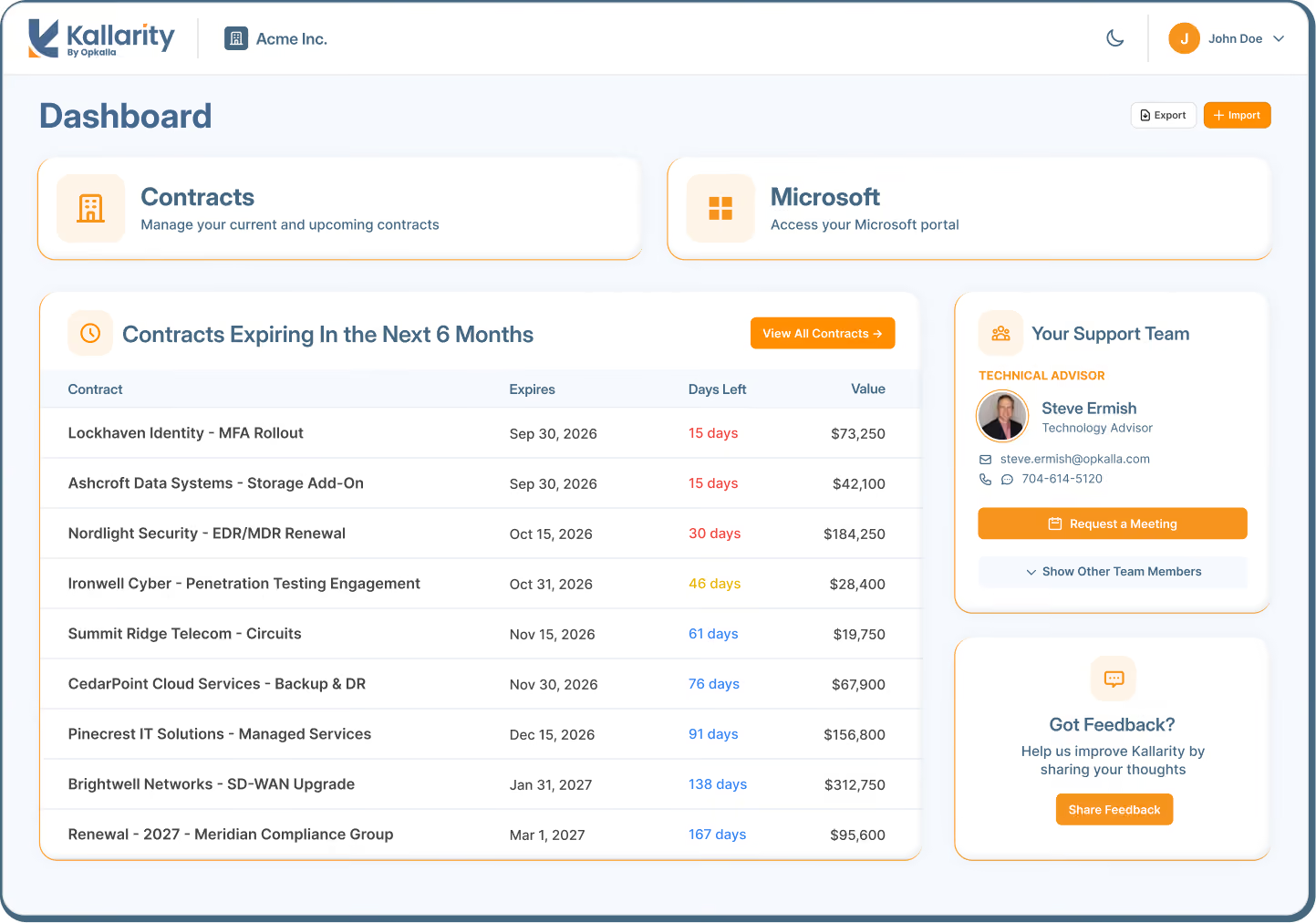
IT Contract and Renewal Management Platform
Built by Opkalla’s Technology Advisors
By submitting your email address, you agree to Opkalla's Privacy Policy and to receiving other communications from Opkalla.
THE PROBLEM
A lack of contract clarity.
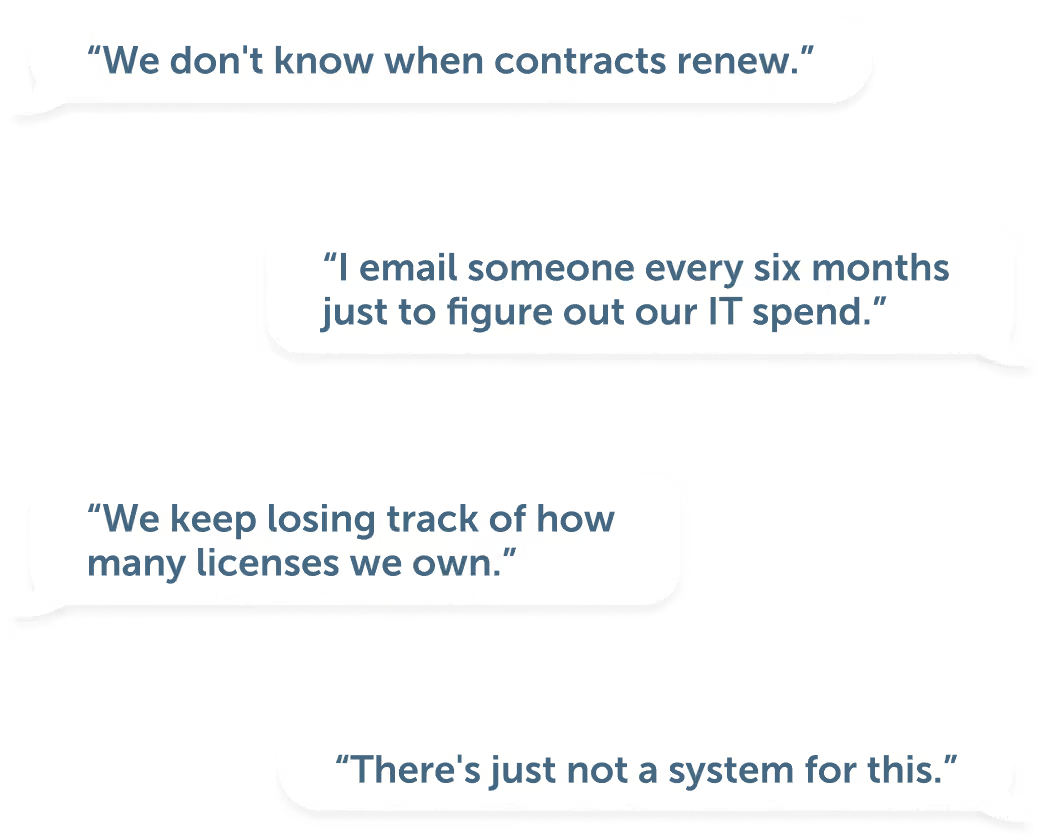
Most midsize enterprise organizations are managing millions in technology spend across email threads, shared drives, and spreadsheets.
There's no reliable view of what they actually have.
If any of that lands a little close to home, you're in good company.
That's the problem we built Kallarity to solve.

WHAT IS KALLARITY
One live view of every contract you're paying for.
Kallarity is an IT contract and renewal management platform that gives IT leaders clarity, control, and confidence across their technology portfolio, without spreadsheets or surprises.
This isn't another platform you have to learn from scratch. It's a baked-in benefit of working with an Opkalla Technology Advisor.
WHAT YOU GET
Total visibility, proactive renewals, and money well spent.
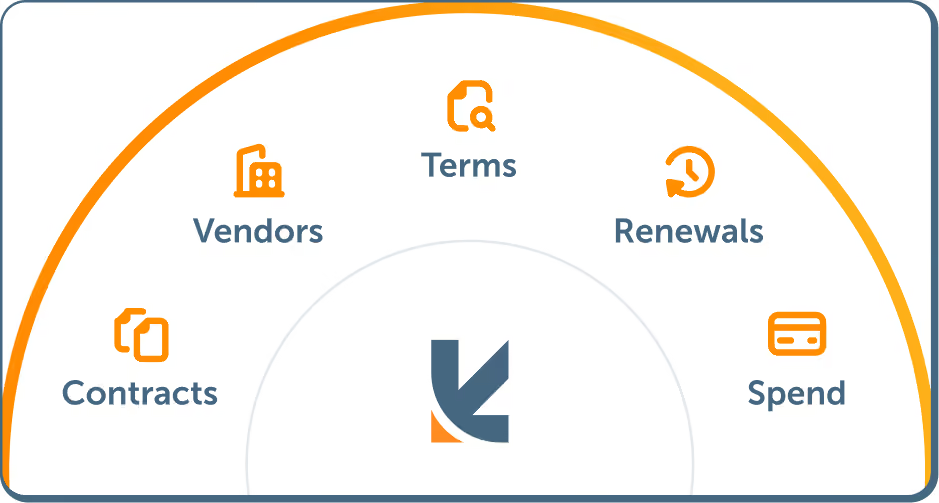
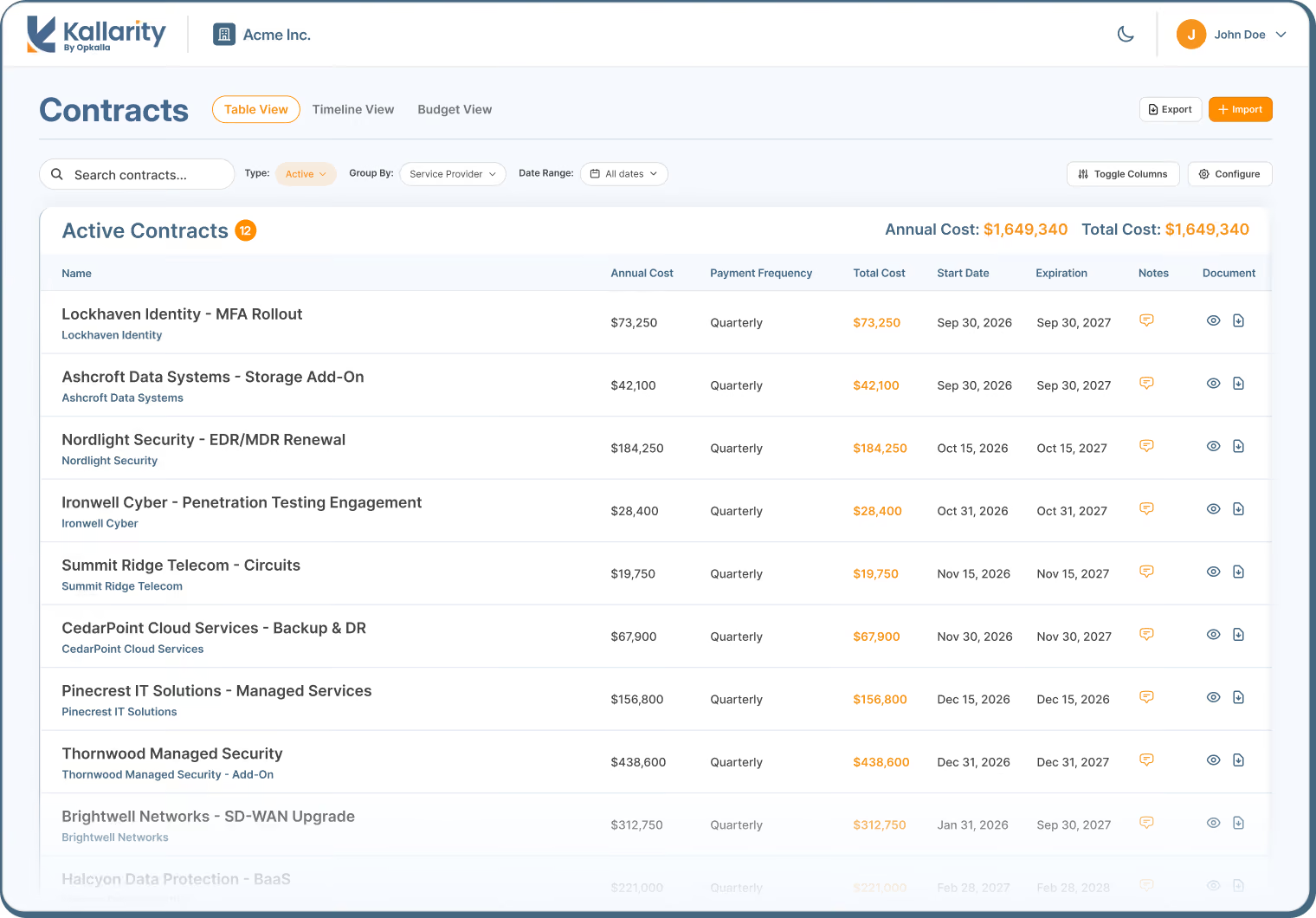
See every IT contract in one place, including vendor, terms, spend and renewal date. Group by provider or category, sort by what's expiring soonest, add the columns you care about.
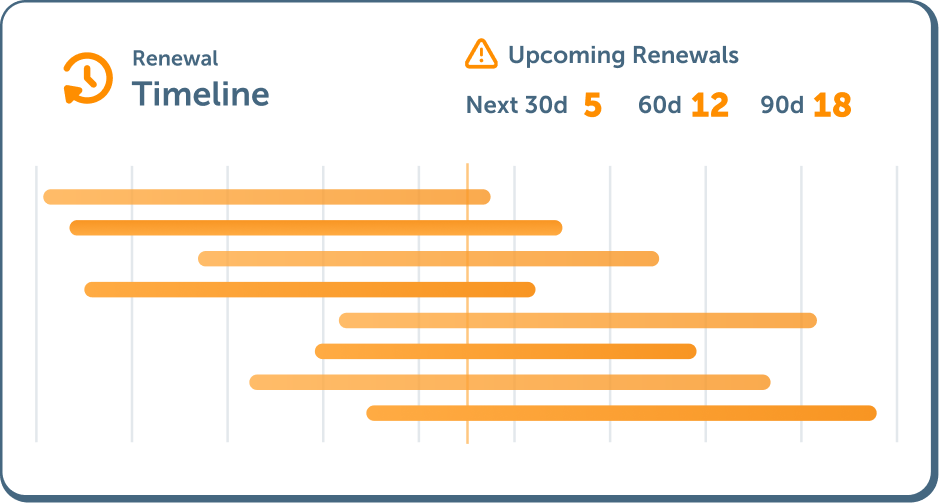
See your whole year laid out on a timeline. Know what's coming, how long you have, and when the decision needs to be made, so you can take the time to see if a better option exists.
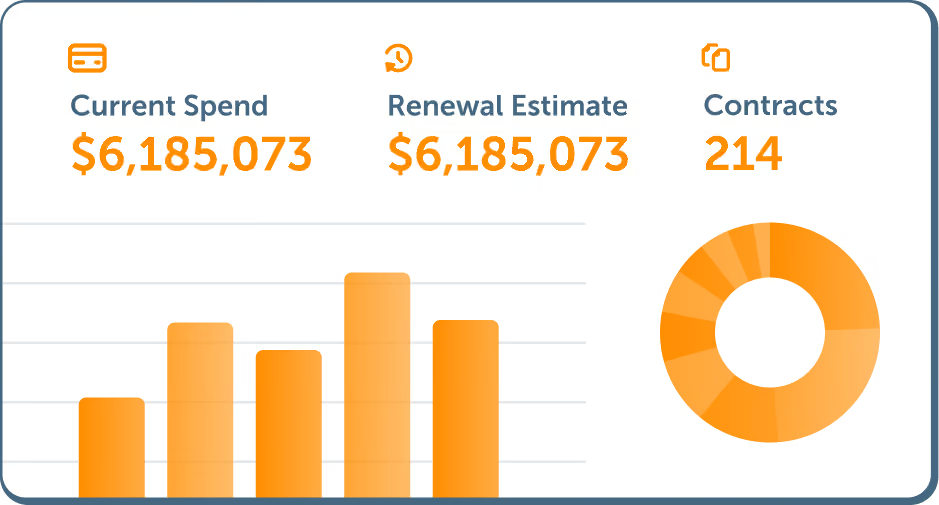
See current year spend, projected renewals, and a breakdown by category. Notice patterns previously missed: two tools doing the same job, a category that's grown 40%, pricing that's drifted.

HOW IT Works
Getting started is quick and easy.
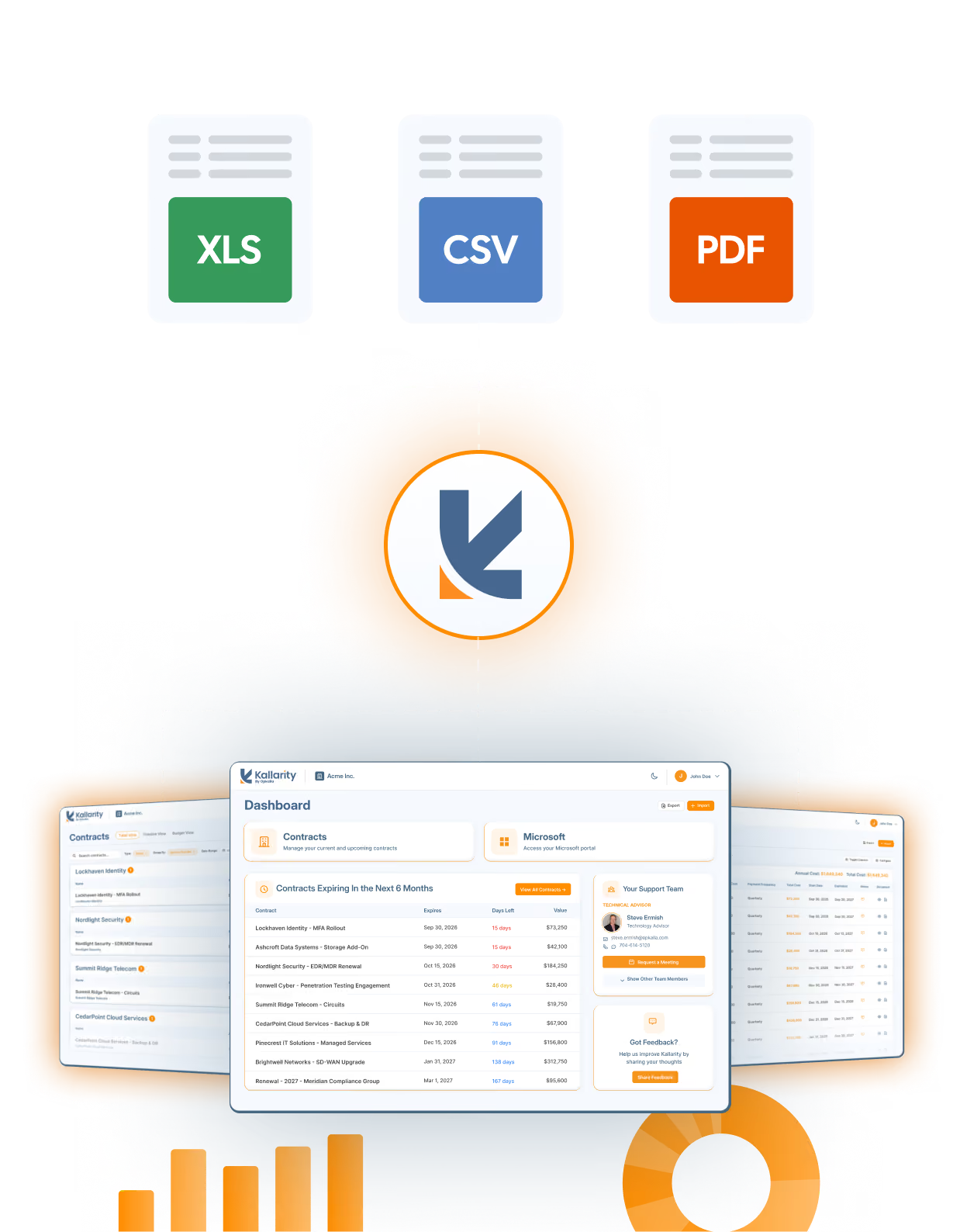
Start with a spreadsheet, a handful of contracts, or an invoice. Already an Opkalla client? The contracts we manage for you are already in there the first time you log in.
AI reads what you upload and maps it into structured fields automatically. Something doesn't fit? Create a custom field on the fly. You stay in control of the record.
Spend, renewal dates, and opportunities for savings are all visible from the first upload. And they get clearer with every one after.


YOUR DATA
Our commitment to you.
Lorem ipsum dolor sit amet consectetur adipiscing elit incididunt mollitia optio provident laborum possimus dolorem minim occaecat.

There's no minimum and no automatic scanning of your environment.
Export your data whenever you want, in full. No lock-in. No waiting period.
Full stop. Not to vendors, not to partners, not to anyone, ever.
Account managers see everything. Standard users see only the contracts they've uploaded.
Giving you better advice, grounded in a real view of the market rather than guesswork.
THE OPKALLA DIFFERENCE
Software is the easy part.
Most companies track contracts in spreadsheets, rely on email reminders, or don't track them at all. Any decent contract management platform improves on that.
What Kallarity adds is the bench behind it. Opkalla Technology Advisors have spent years on the other side of these negotiations. When your data raises a question worth asking, there's someone to ask.
Happy Clients
IT Vendors
Tech Evaluations
“Kallarity was kind of a love at first sight for me. I had a need for this and Opkalla came through with a tool that exceeded any of my expectations.”
F. Deni Dorsey
Manager of IT/OT Infrastructure
Choptank Electric Cooperative
SIGN UP
Be first to know.
Kallarity opens to everyone in early 2027. Leave your email and we'll tell you the day it's live, plus the occasional note as we get closer.
We'll email you about Kallarity. We won't sell your address, and we won't add you to anything you didn't ask for.
By submitting your email address, you agree to Opkalla's Privacy Policy and to receiving other communications from Opkalla.
FAQ
Questions people ask.
What problem does Kallarity solve?

Almost every organization we work with has some version of the same gaps: no clear picture of when IT solutions renew, no reliable license count, last year's contract buried somewhere, and no idea who the current rep is - sometimes because the vendor was acquired and nobody was told. Enterprise procurement platforms address this at enterprise scale and enterprise cost. Kallarity is built for the way mid-market IT teams actually buy and manage technology.
Who is it for?
Organizations from roughly 200 to several thousand employees. The primary users are anyone who manages IT contracts and budgets, includingIT directors, CIOs, and CTOs. Finance departments might also find the tool useful when reviewing IT spend.
Do I have to be an Opkalla client to use it?
No. Clients get more out of it immediately because the contracts we already manage are loaded for you on day one, but any organization can use the platform and bring in their own contracts.
What does Kallarity cost?
There are no costs, hidden fees or obligations to purchase.
What's the catch?
There isn't a hidden fee, but there is an exchange and we'd rather state it plainly than have you discover it: we can see the contract data you put into the platform, and we use it to give you better advice. That is the entire point of building it. Using Kallarity does not obligate you to purchase anything through Opkalla.
What would a comparable platform cost me?
Enterprise procurement suites run well into six and seven figures annually. A platform scoped similarly to Kallarity, purchased on the open market, would realistically land in the five-figure range per year.
If I stop using it, do I lose my data?
No. Export to CSV or Excel is built in and available at any time. It exports whatever your current view shows. Your data stays yours, and you can take it with you.
Am I giving Opkalla visibility into everything I buy?
Into the IT contracts you choose to upload, yes. That visibility is what lets us tell you things a vendor looking at one agreement never could. For example, that a renewal is priced above what we see in the market, or that two teams are paying for solutions that do the same thing.
Could that visibility be used against me?
Our economics don't work that way. We are vendor-neutral and compensated on the vendor side, so there is no scenario in which we benefit from you overpaying. The most common assumption we hear is that buying direct produces better pricing. In practice we've moved clients off direct agreements and reduced their cost by double digits, because we hold partner standing that an individual buyer doesn't.
Do you sell my data?
No. We don't sell it, we don't provide it to vendors, and we don't publish anyone's pricing. Our terms of use are explicit about the one thing we do with it: inform the advice we give you.
How is my data secured?
Opkalla is in process on SOC 2 certification - an independent, externally audited review of security controls covering policy through day-to-day practice. When the report is complete you'll be able to read it yourself, including any exceptions. We'd rather hand you an external assessor's findings than ask you to take our word for our security posture.
What sensitive information actually lives in an IT contract?
Less than most people expect. There is no personally identifiable information and no protected health information. It is pricing, terms, license counts, and vendor names, which are commercially confidential but not regulated data.
Some of our agreements have confidentiality language. Is that a problem?
Our terms of use set out clearly what we do and don't do with uploaded material. If any of your agreements carry unusual confidentiality restrictions, that's worth a quick review with your counsel before uploading. We're happy to walk your legal team through how the platform handles data.
Who on my team can see what?
Access is scoped by role. Account managers see everything in your instance, users see only the contracts they have uploaded themselves. You can restrict visibility by team where that matters.
How much work is this going to be for me?
educing that lift is where most of our product effort has gone, because it's the obvious barrier to a platform like this. If you're an Opkalla client, everything we manage is already in place. You're not starting from an empty screen.
How do I add contracts Opkalla doesn't manage?
Three ways, and all of them are AI-assisted:
- Upload an individual signed contract as a PDF or Word document.
- Upload an invoice.
- Upload a spreadsheet containing many contracts at once.
For documents, the platform reads the file and populates the fields. For spreadsheets, it proposes a column mapping that you can drag, drop, and override, and you can create any missing fields during the import. Nothing commits until you review it.
What if we don't have the time to gather it all?
Your Technology Advisor can work through it with you. In many cases we'll spend part of a quarterly review collecting and loading contracts alongside your team. It's work you would otherwise assign to a procurement resource.
We track a dozen fields you don't have. Can I add them?
Yes. You can create custom fields of several types and your own tags, so an existing tagging convention comes across intact rather than being flattened into ours.
Can I track non-IT contracts here?
Kallarity is scoped to technology contracts, which is where our analysis adds something. We recognize the line isn't always clean. Depending on how your organization is structured, marketing may own significant technology spend, for example. So it's worth a conversation about where your boundaries sit.
How can I view my contracts?
Whichever way suits the question you're asking:
- A full table, groupable by service provider, product category, or Opkalla-managed versus imported, with columns you can toggle and sort.
- A timeline view showing renewals in chronological order.
- A budget view with current-year spend, estimated renewal cost, projections, and a breakdown by product category.
Can I get my data back out?
Yes, you can select CSV or Excel and it will match whatever your filtered view shows on screen.
How do we log in? Does it work with our SSO?
Microsoft Entra is the primary login mechanism. You'll receive an invite link to get started. One practical note: recent changes to how Microsoft addresses guest invitations have caused them to be caught by mail filtering at some organizations. If an invite doesn't arrive, that's the first place to look.
Is there anything for managing Microsoft licenses?
Yes. Kallarity includes a Microsoft portal where you can manage and purchase licenses, compare products against Microsoft's own documentation, and raise tickets. It's a more streamlined process than emailing someone to place an order. The goal is a single pane of glass instead of a separate portal for each task.
Can I annotate contracts?
You can rename or nickname a contract, add notes, and flag one for review or for discussion with your advisor. With Kallarity, that back-and-forth doesn't have to live in email threads.
Can I change the display?
Light and dark mode are both available. It defaults to light.
Will Kallarity remind me before something renews?
Yes, and you set the terms. Get notifications at 180, 120, 90, or 60 days out, and control over who receives them. This is deliberately the opposite of the large-reseller pattern of a renewal notice arriving two days before the date.
Does that cover contracts Opkalla doesn't manage?
Yes. Reminders fire on everything in the platform, including the contracts you've imported yourself.
Can I act on a renewal inside the platform?
Renewal decision controls are being built now. That will include the ability to mark a contract as one you intend to renew, one you don't, or one you want to discuss, so our team can work ahead instead of chasing an answer by email. Direct linking to DocuSign from the contract record is on the near-term roadmap, so the paperwork sits with the contract rather than in your inbox.
What does Kallarity tell me beyond what I uploaded?
Today, it tells you vendor-level intelligence drawn from public sources - an acquisition, a breach, a material change at a vendor in your stack. This is the newest part of the platform and the area where you'll see the most change over the coming year.
Where is that going?
Toward contractual analysis: spend patterns, savings opportunities, product categories where you have no coverage, and redundancy where two solutions overlap. Contract-language review is a further step we're actively exploring.
Will it recommend solutions to me automatically?
Not for now, and that's a deliberate choice. A recommendation engine operating without an advisor involved is a recommendation nobody is accountable for. Insights stay contractual to start, and your Technology Advisor stays in the conversation.
Am I dealing with a person or an AI agent?
Every Technology Advisor at Opkalla is a person.
How does this enhance our contract reviews?
Considerably. With live contract data, the review is ready when you are. Instead of manually pulling documents together, you can easily see what you have, what's coming, and what's changing, all on one screen. That means the conversation goes straight to decisions.
When can we start?
Kallarity soft launches for attendees at our Tech Summit on October 1, 2026, and for Opkalla clients and organizations we're already working with. Access comes through your Technology Advisor. A broader release follows in early 2027.
How do we give feedback?
There's a feedback form in the platform, and it stays there after launch. You can also go straight to your Technology Advisor. Much of what's described in this document - custom fields, data export, notification control - exists because someone using the platform early asked for it.


